
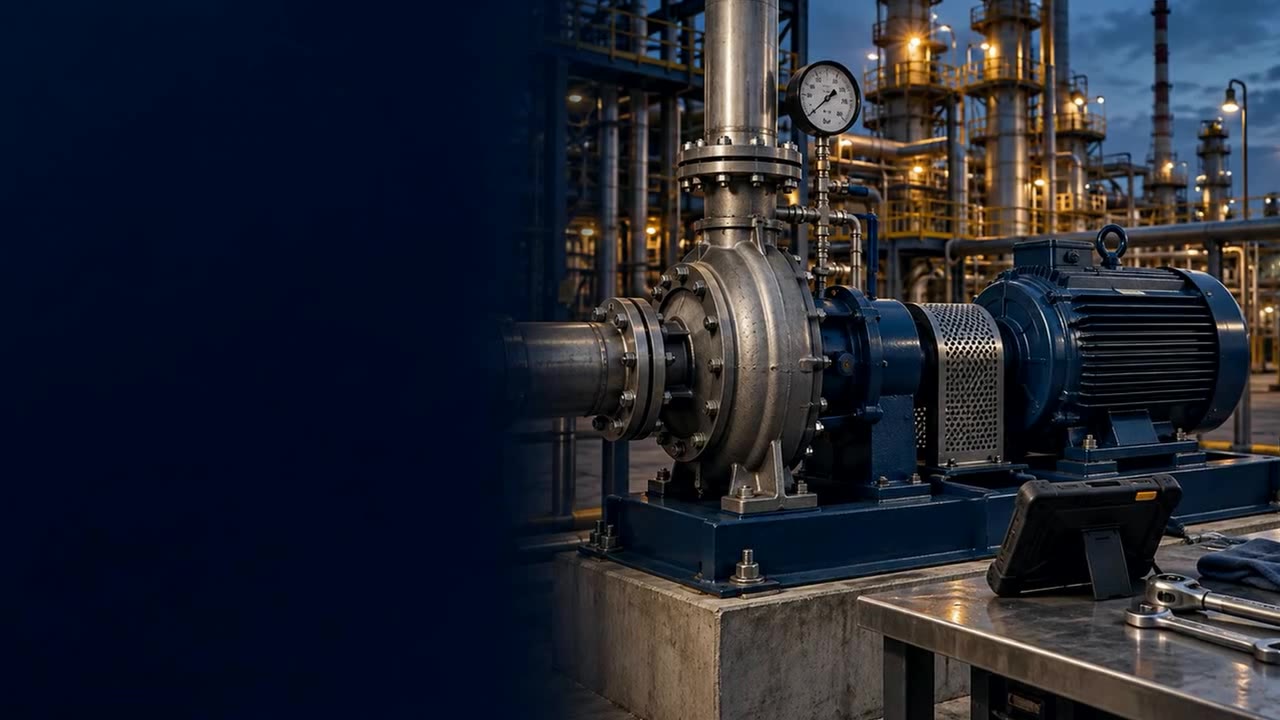
SAP PM mobile work manager
Measure the job. Optimise the plant.
Plant Maintenance is not a mobile front end for SAP PM. It records what actually happens at the coalface - who did what, for how long, where, and what they found - and turns that record into a plant you can optimise.
What's included
Everything your maintenance team needs on-site
Work orders, one view
See every open work order and track status from one view.
Guided task lists
Linked task lists guide technicians through every job, step by step.
Built-in inspections
Close the loop on quality with inspections at the point of work.
Time tracking
Track time spent on each work order automatically as technicians work through their tasks.
Counter & measurement readings
Capture readings on technical objects directly from the field, with no separate logbook.
Notes, photos & notifications
Document conditions with notes and photos, and raise new notifications without leaving the job.
Where it's used
Maintenance and inspections, wherever the work happens
Mining operations
Surface and underground teams run the same work orders and inspections. Where there is no signal underground, the app captures the work on the device and posts it to SAP once a connection returns.
Processing plants
Technicians work planned and breakdown orders against fixed plant equipment, capturing readings, photos and inspection results at the point of work.
Manufacturing lines
Line maintenance is completed and posted back between shifts, so the next crew starts from live work-order status rather than a handover sheet.
Recorded by default
Measured on every job.
Work time
A timer runs on every operation - started, paused, completed - so actual work time exists per operation, task list and work centre.
Confirmation
Each confirmation carries its SAP confirmation number and posting time. The gap between done and known is measured.
Readings
Every reading is checked against its limits as it is captured, with the series history kept.
Reasons
Every send-back and rejection keeps its reason - so the instruction gets fixed, not the person blamed.
Recorded on every job, by default. No extra work for the person doing it.
Explore the workflow
Maintenance work, on screen.
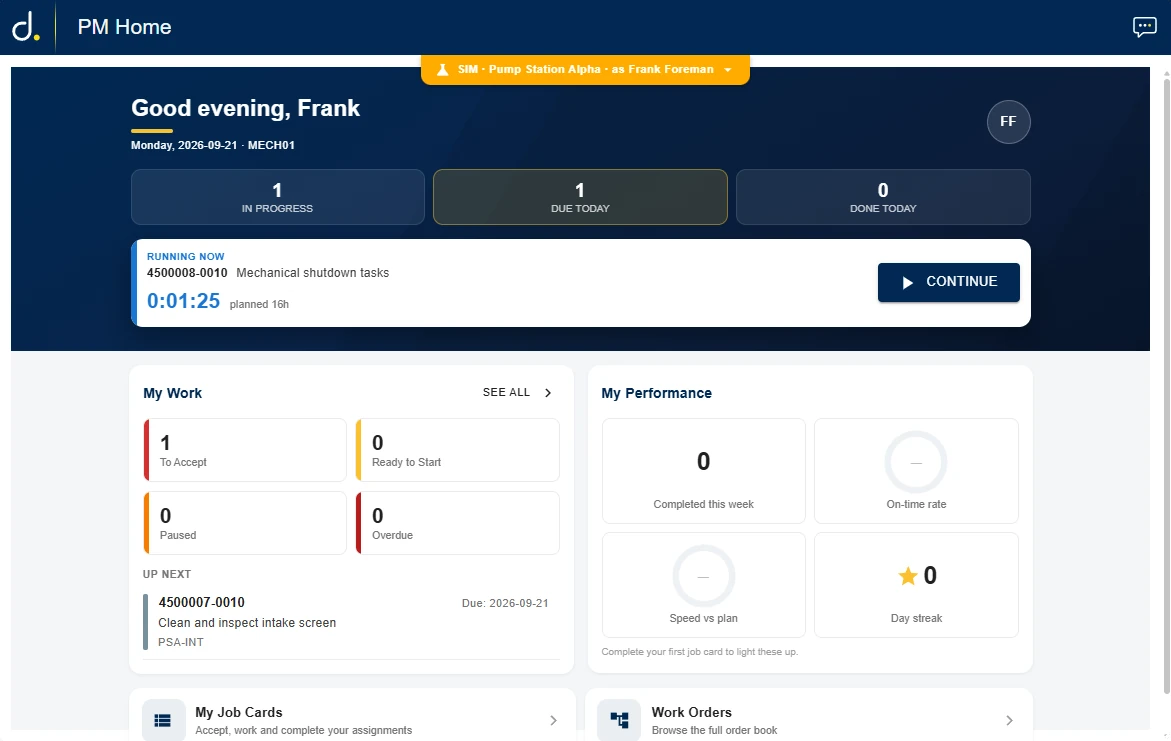
Four screens a supervisor and a technician use every shift, as they run today on tablets, rugged handhelds and phones.


Task lists and work instructions
From SAP task lists to guided work.
Task lists and their PDF documents sync from SAP. AI turns each document into a structured instruction, a reviewer approves it, and authors refine it in a designer built for the plant. Nothing goes to the field unapproved.


Execution rating
Work that proves itself.
Every completed inspection earns an Execution Rating: a score from 0 to 100, built from four facets - cadence, duration, location and measurement - with a plain-language reason behind it. Supervisors see Good, Review or Flagged at a glance, and why.
It cannot be retrofitted. The rating depends on a per-step log with timestamps and position captured from day one; a system that never kept that record cannot reconstruct it.
- A rating per inspection, with the reason in plain language
- Scored automatically as each run lands - no supervisor ride-along
- Trends by instruction, work centre and crew
Good 75+ · Review 50-74 · Flagged below 50
- CadenceSteady - 12 steps, no bursts
- Duration41 min, inside the usual 28-55
- LocationAt the asset for every step
- Measurement4 of 4 readings in range
The baseline
What a job usually looks like.
Every completed run of an instruction adds a dot. The band is the usual time spent in each section - the median, plus or minus its typical spread - and the tick is the median itself. A new run is rated against this, not against a number someone typed in once. Thin data says so: a section with too few runs shows its dots and the words "not enough runs yet".
Section dwell, every run · one instruction, live version. Example data.
The baseline mirrors observed practice. It never writes to SAP planned work.
How it posts to SAP
From work order to SAP PM, with nothing re-keyed
Work orders flow out of SAP PM to the device, and confirmations, measurements and readings flow straight back — no separate system of record.
-
1
WO-4471829
Work order and task list assigned to a technician's device.
-
2
Confirmation
Each task list step is confirmed on completion, on site.
-
3
Measurement doc
Readings and counters post as a measurement document.
-
4
SAP PM
Work order closes with full history retained in SAP.
Frequently asked questions
Questions about d.Code Plant Maintenance
Does d.Code Plant Maintenance work offline?
Yes. Technicians can complete work orders, task lists and inspections offline, with automatic sync to SAP once connected.
What devices does d.Code PM support?
iOS, Android and Windows, so it fits your existing device fleet without a hardware change.
Does d.Code PM integrate with SAP PM?
Yes. It retrieves work orders from SAP PM and uploads completed work instructions, inspections, time and readings back.
Can it convert SAP work instructions into digital forms?
Yes. Work instructions become step-by-step electronic forms technicians complete on device, uploading back with the rest of the work order.
Let's talk mobility
See d.Code Plant Maintenance on your plant
Talk to our team about putting SAP PM in your technicians' hands, online or offline.